Bluetooth Speaker Kit DIY LED Music Spectrum Rhythm Light Bluetooth speaker LED Electronic Soldering Project Electronic Kit


Bluetooth Speaker Kit DIY LED Music Spectrum Rhythm Light Bluetooth speaker LED Electronic Soldering Project Electronic Kit
SPECIFICATIONS
Audio Crossover: Two-Way
Battery: No
Brand Name: occkic
Cabinet Material: Plastic
Category: Speakers
Certification: CE
Channels: 2 (2.0)
Choice: yes
Communication: Bluetooth
High-concerned chemical: none
Inbox adaptor: No
Input Power(W): <25 W
Input/Output: AUX
Intelligent Personal Assistant: NONE
Item Condition: New
Number of Loudspeaker Enclosure: 1
Origin: Mainland China
Power Source: None,USB
Sound Mode: Other
Speaker Type: Portable
Support APP: No
Use: others
Voice Control: No
Waterproof: No
semi_Choice: yes
Features
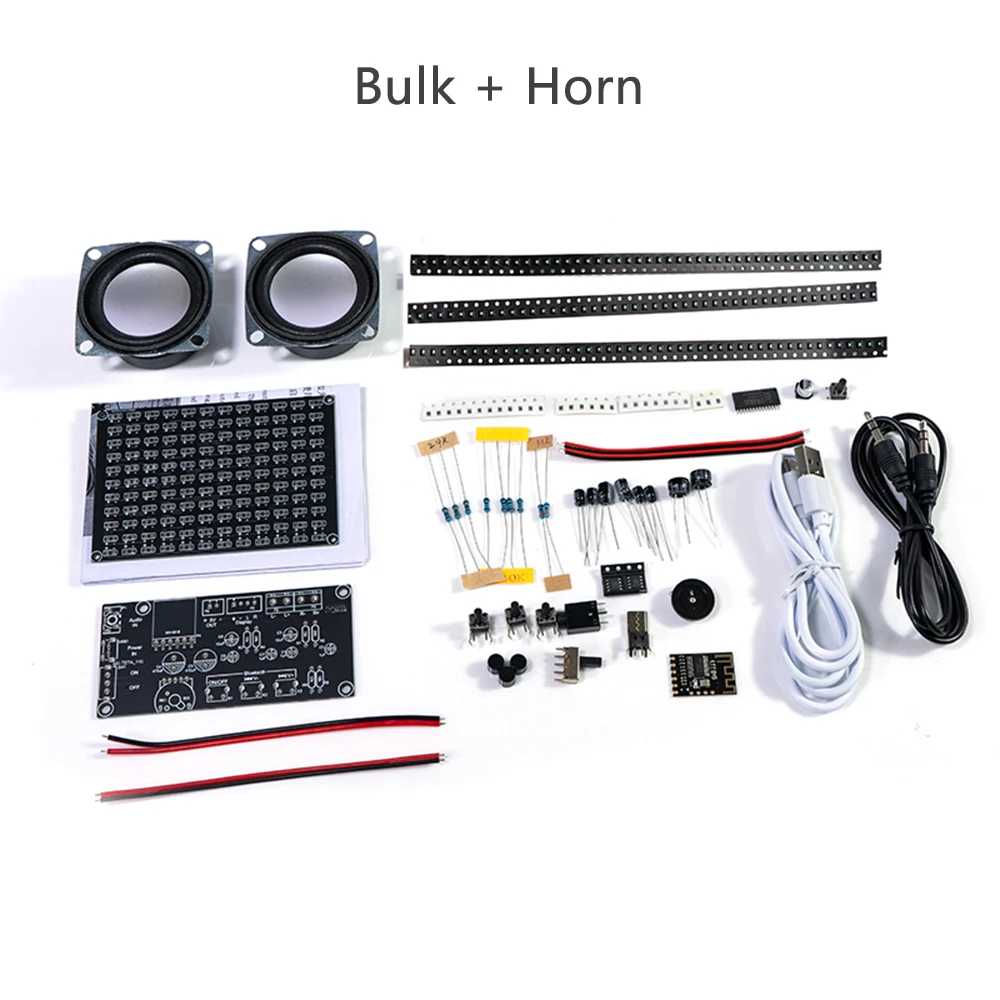
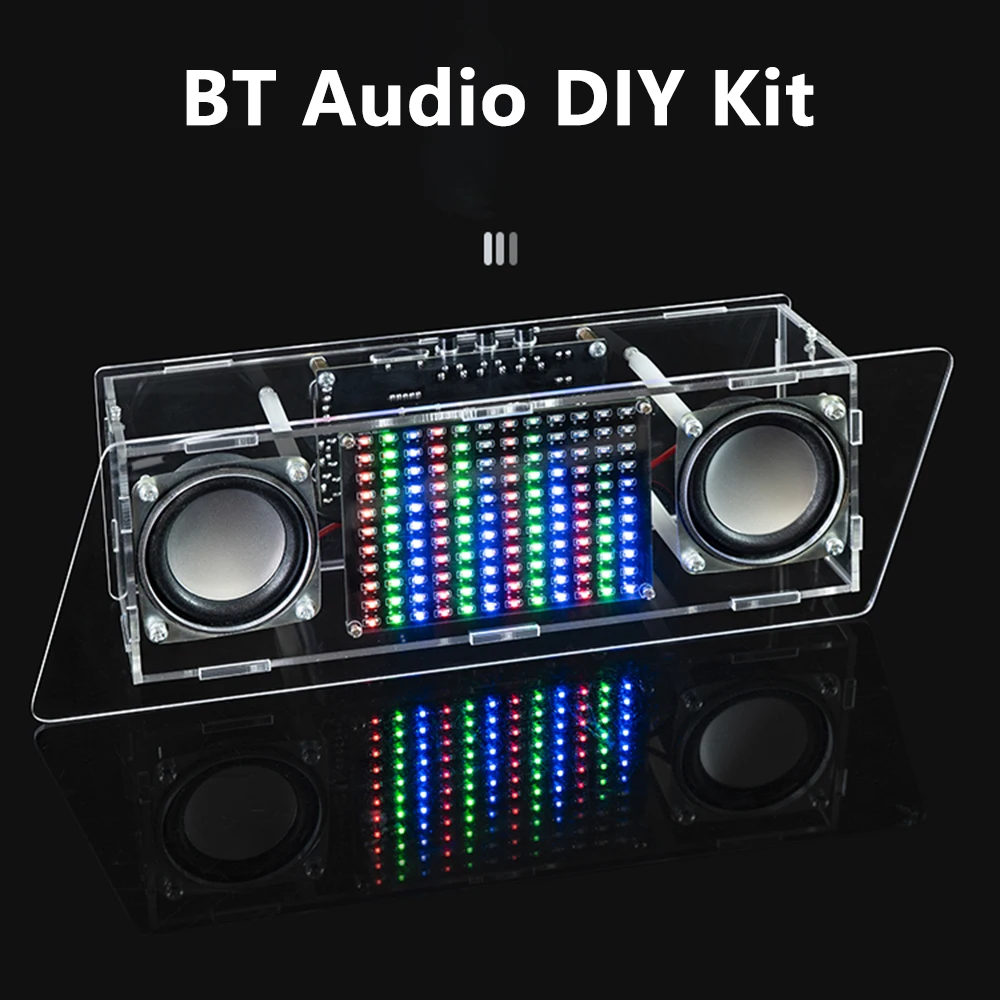
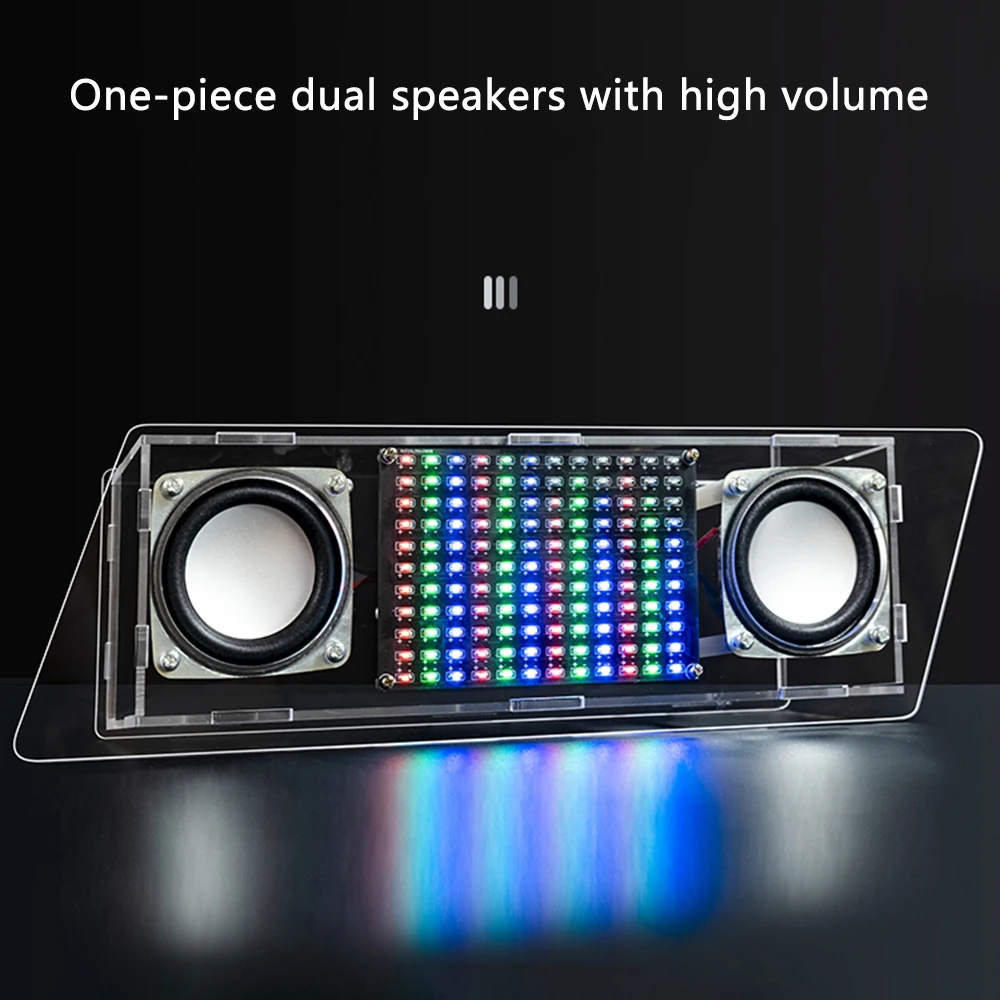
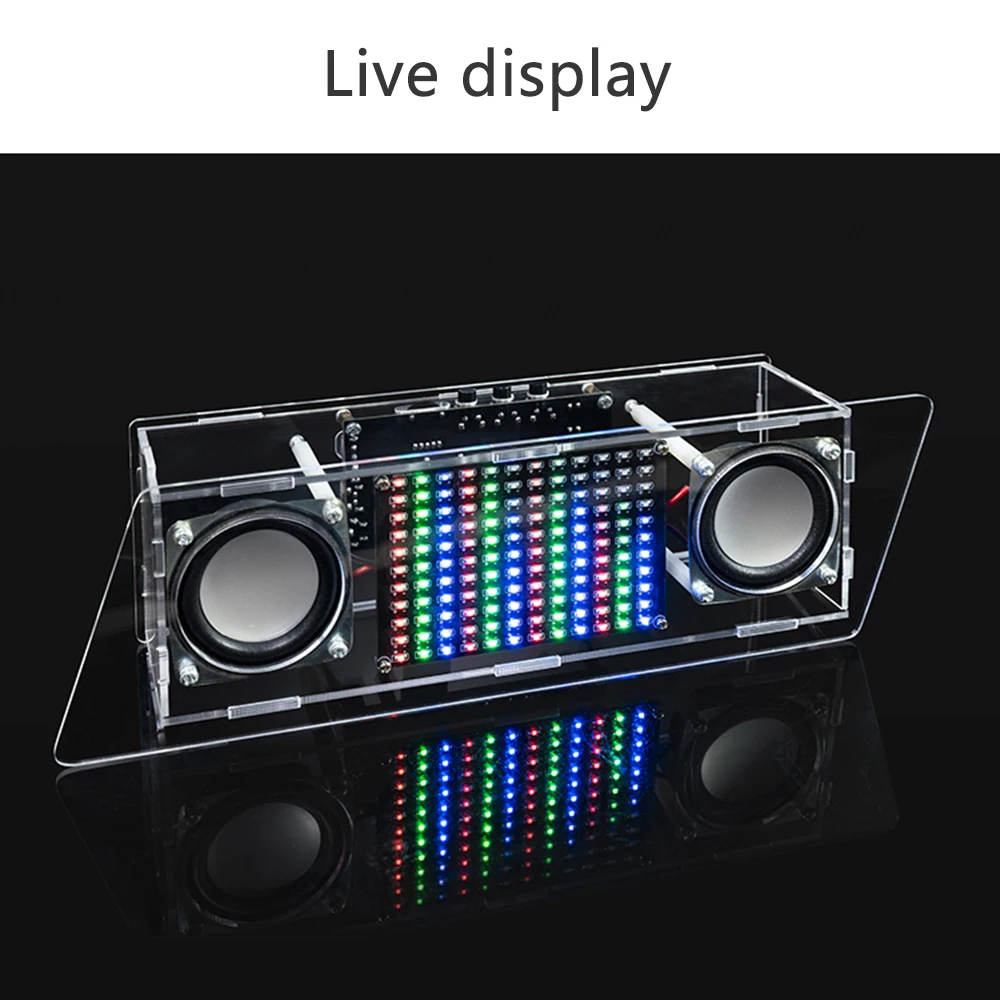
1.Composed of Bluetooth stereo module, power amplifier chip, music spectrum, 132 colorful LED and other components
2.It can be connected to Bluetooth to play music and supports stereo output
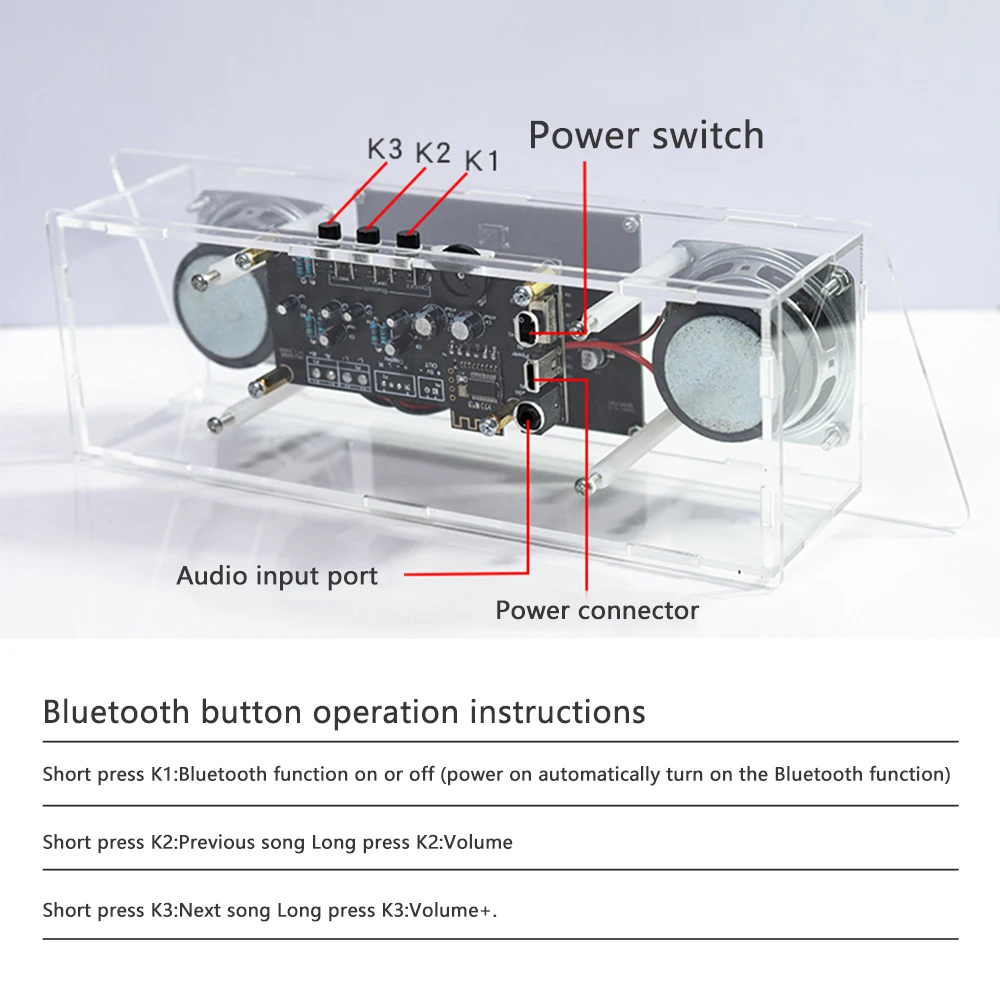
3.Equipped with a 3.5mm audio signal input port, supporting wired connection to devices such as computers and mobile phones
4.When inserting an audio cable, it automatically switches to the audio cable signal and is not affected by Bluetooth sound interference
5.Music spectrum display, rich colors, and beautiful music
Parameters:
Product Name: LED Bluetooth Audio Kit
Working power supply: USB power supply 5V (recommended to use 5V2A fast charging head)
Working voltage: DC5V
Working current: Mute less than 10mA, full load not less than 500mA
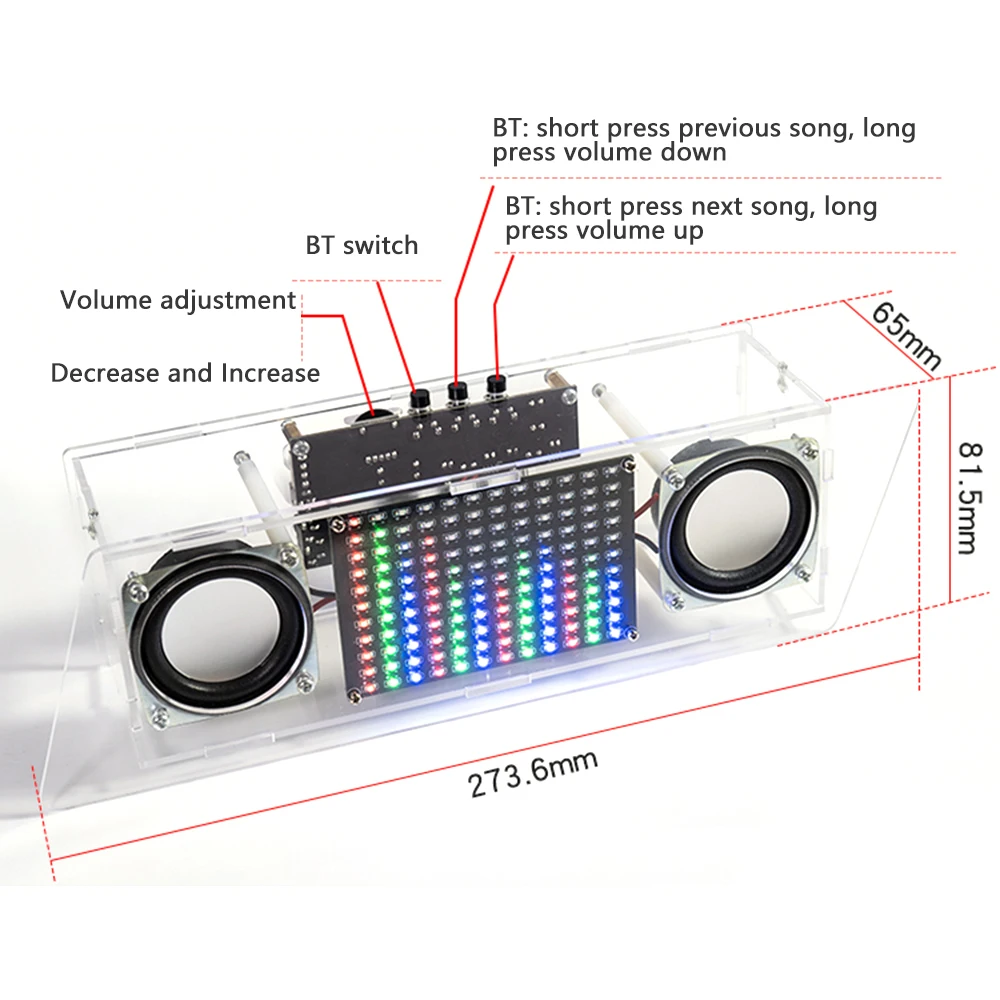
PCB length: power amplifier board 91x43mm spectrum board 91x62mm
Bluetooth button operation instructions
Short press K1: Turn Bluetooth function on or off (. Turn Bluetooth function on automatically when powered on)
Short press K2: Previous song
Long press K2: Volume-
Short press K3: Next song
Long press K3: Volume+
Function Introduction: A dedicated audio spectrum display driver chip with built-in multiple decoding algorithms, and a memory function that can permanently maintain user set parameters.
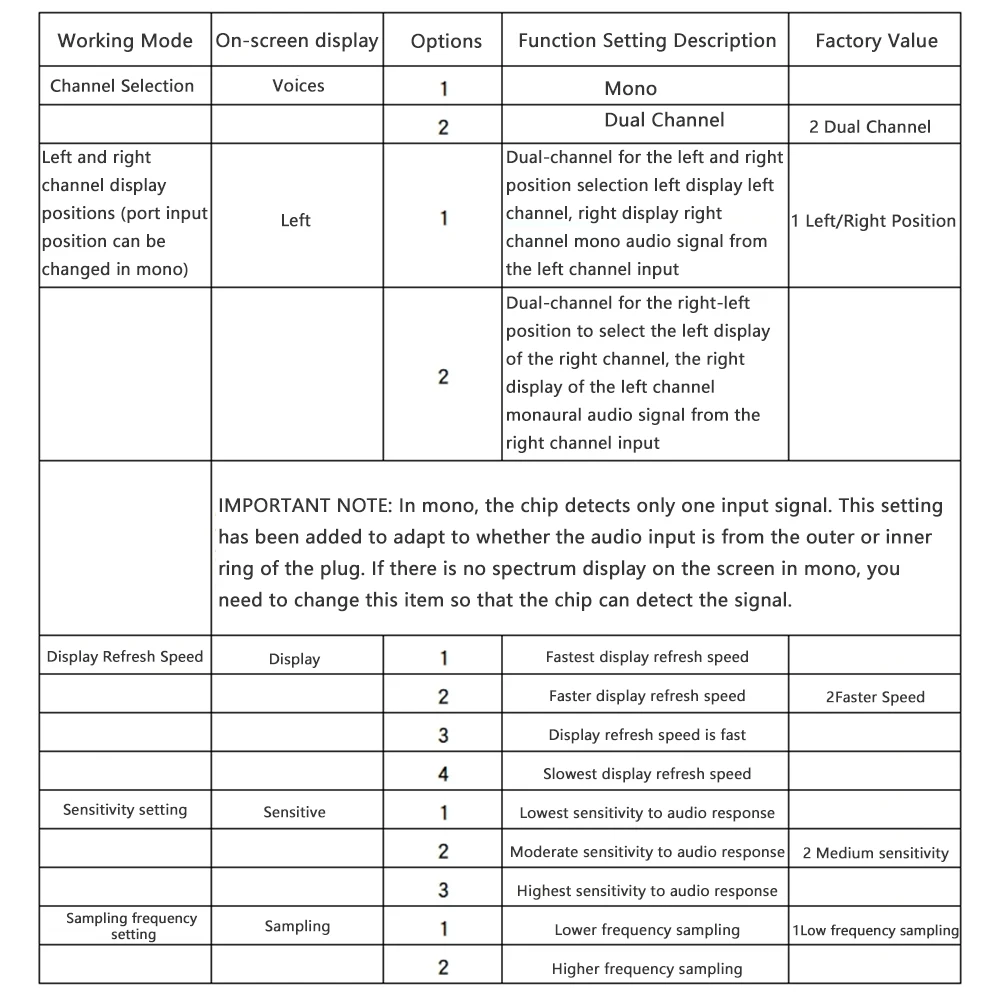
Working mode selection: The chip enters normal working state after being powered on. If there is audio input, the screen will display the spectrum. Enter work mode selection: In normal working mode, regardless of whether the screen is displayed or not, press and hold the 'Function button' for about 1-2 seconds to enter the 'Work mode selection' state. At this time, the screen displays' Sound ', indicating entering the' Channel selection 'mode. Long press the "Function Button" to change the set working mode and enter the next working mode selection. Short press to change the "option" of the working mode, which will be displayed on the screen. You can set your own working mode according to your needs. Exit working mode selection: After setting the desired working mode, there is no need to perform any further operations. After 5 seconds, the chip will exit the working mode selection state and enter the normal working state. Special reminder: If connected to a single speaker and set to mono mode, the display effect will be better.
Package include:
LED Bluetooth speaker kit * 1